
ContentCraft
Open Appi-Resonate Help Center
ContentCraft Help
BrandVoice
Content Campaigns
Scheduling
Team Management / WorkFlows
ProofLex Help
MindWrite Help
Create Carausels with ContentCraft
Carousels are multi-slide posts that let you break down ideas into bite-sized, swipeable content.
They’re perfect for storytelling, step-by-step guides, tips and highlighting key insights especially when you want to boost engagement and keep your audience scrolling.
Carousels keep people swiping and spending more time with your content - multiple opportunities to like, save and comment, which signals value to algorithms
ContentCraft simplifies carousel creation by helping you choose the content pillar and suggesting AI-powered trending topics, so that you can create on-brand carousels in minutes.
STEPS TO CREATE CARAUSELS WITH CONTENTCRAFT:
Step 1: Open your campaign Planner and select carausals from the post creation dropdown.
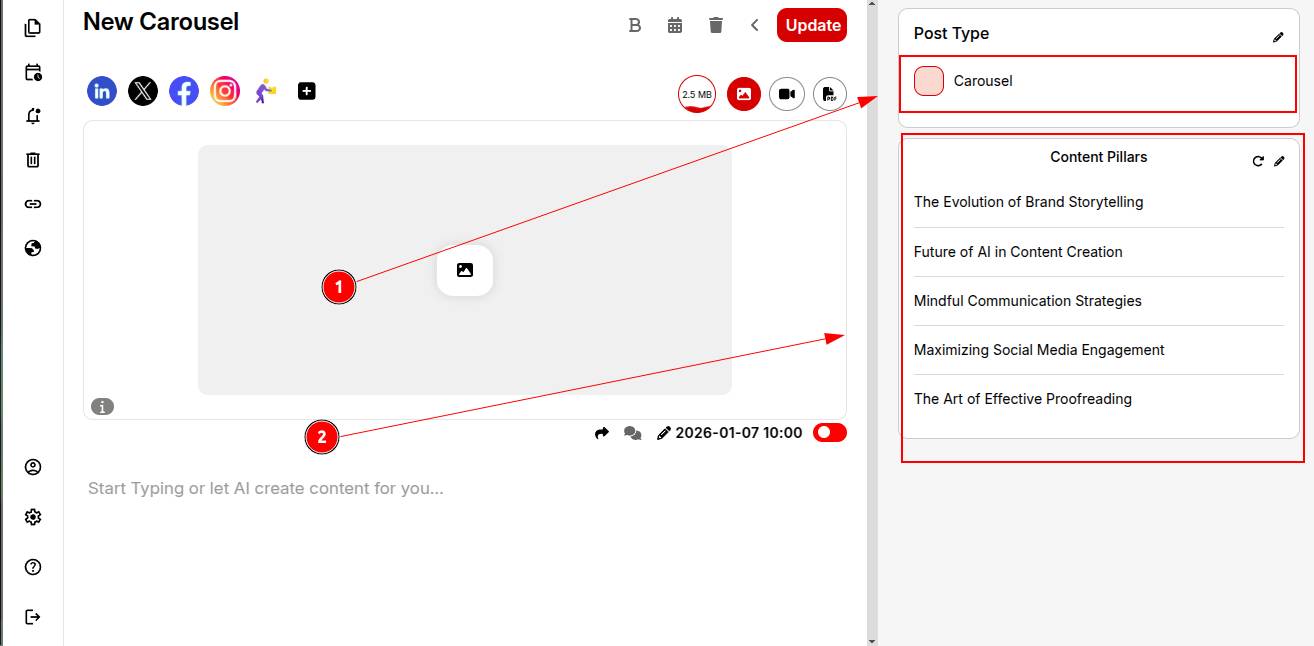
Step 2: Pick a specific content pillar that aligns with your post audience.
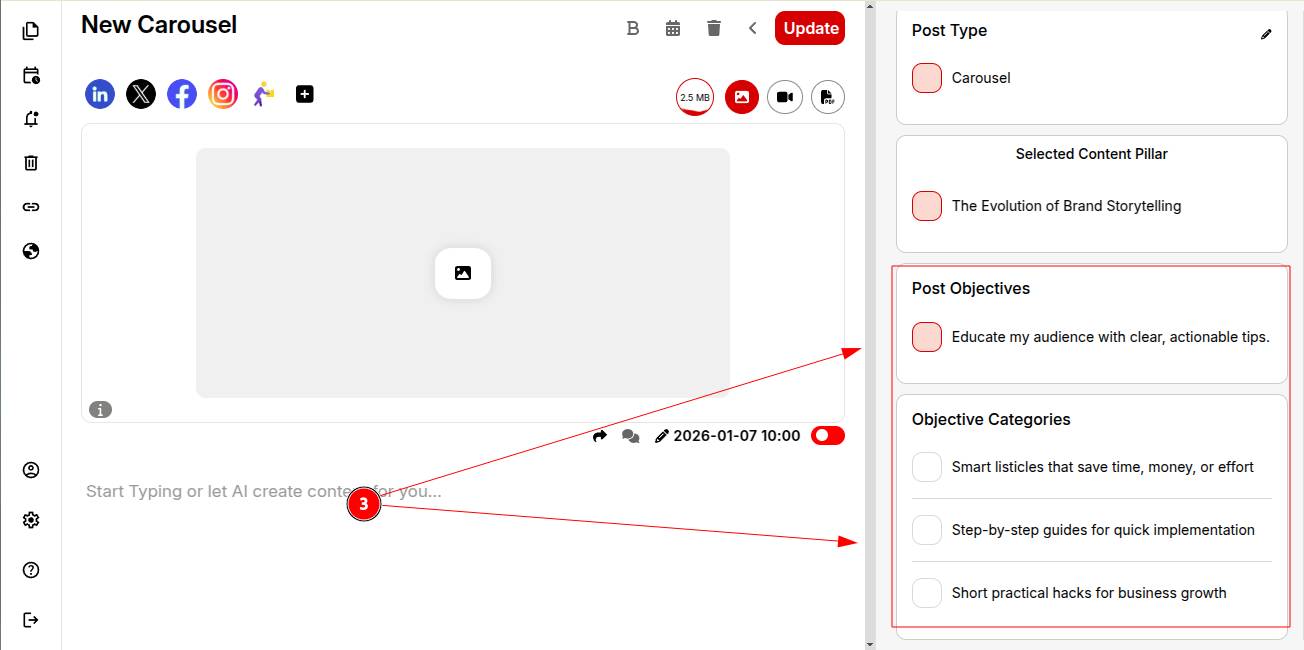
Step 3: Choose the infographic’s post objectives and objective categories so AI understands your goals.
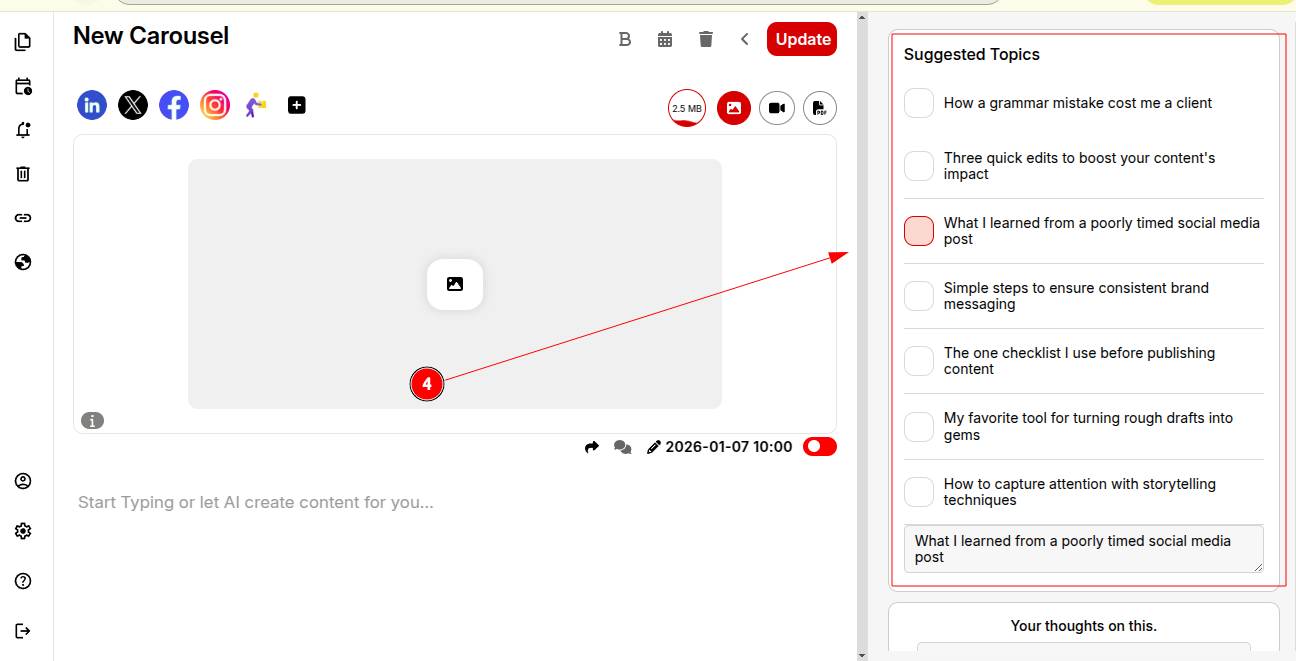
Step 4: Review AI-powered trending topic suggestions and pick one that fits your audience and purpose.
Step 5: Write a brief viewpoint or opinion to ensure your personality comes through.
Step 6: Select a structure (e.g..2-hooked paragraphs, 5 bullet points). You can save this structure to reuse in future posts.
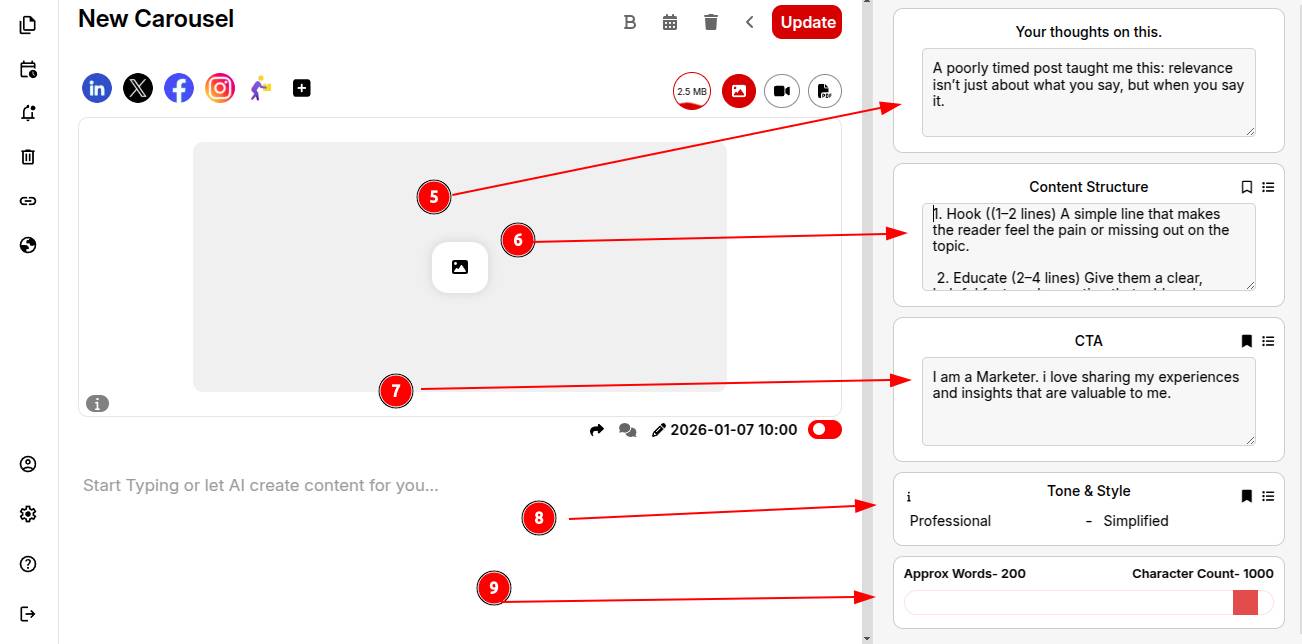
Step 7: Add and save your CTA to include automatically in future posts.
Step 8: Set your tone of voice and writing style for consistency across all posts.
Step 9: Define your desired word and slide count and click Generate Post.
Step 10: Boom! Your carausal is ready to view.
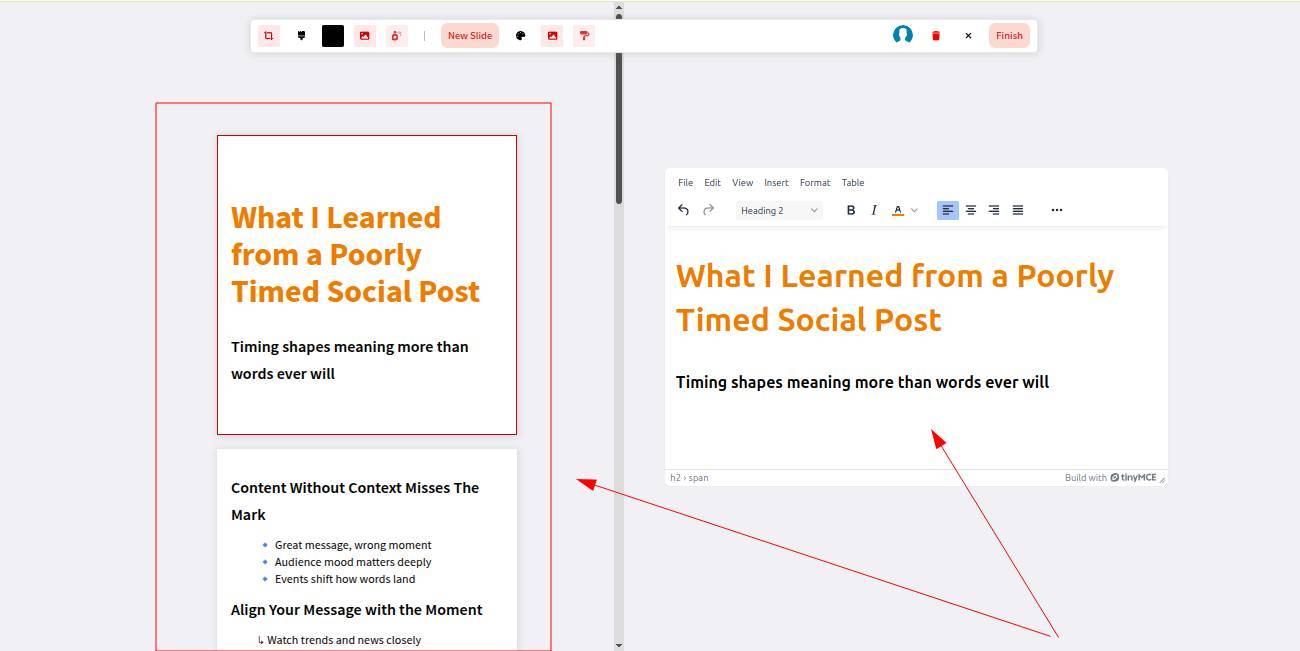
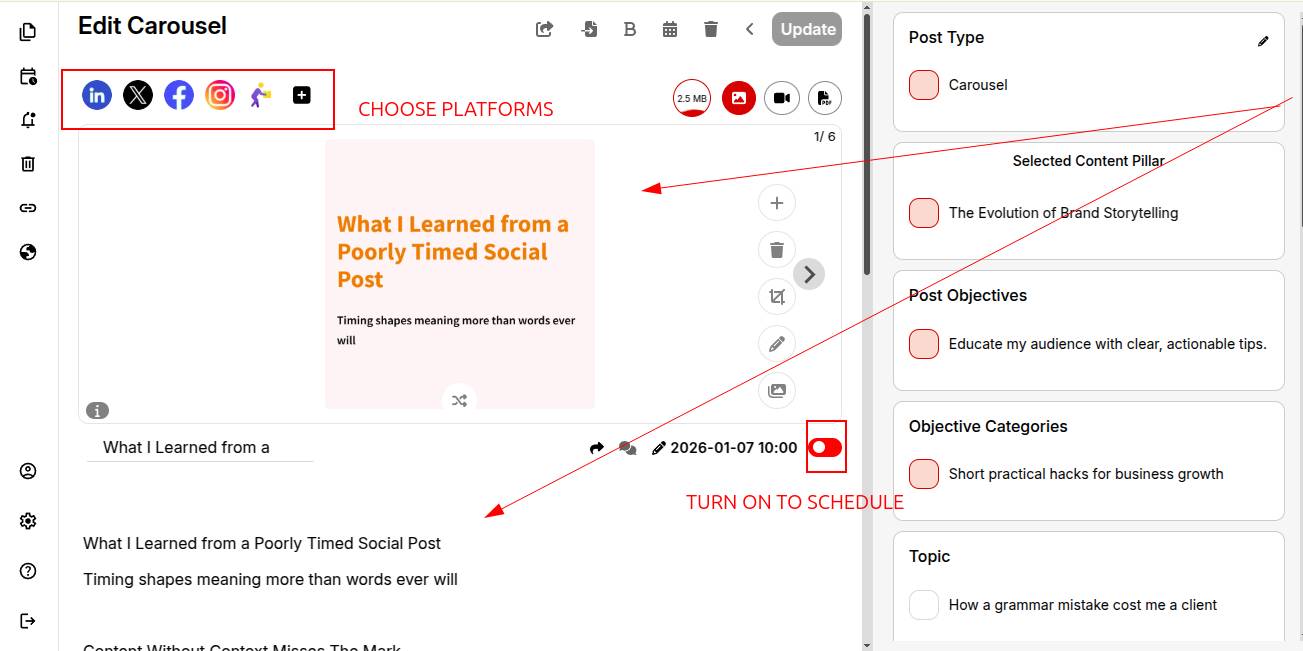
Your content and carausel are ready. Select the platforms and toggle the switch to green to schedule your post instantly.
You can also explore creating polls with ContentCraft.