
ContentCraft
Open Appi-Resonate Help Center
ContentCraft Help
BrandVoice
Content Campaigns
Scheduling
Team Management / WorkFlows
ProofLex Help
MindWrite Help
Make your content public in ContentCraft
ContentCraft allows you to publish your content directly on ContentCraft Blogs, making it live and publicly accessible on the platform.
This helps you showcase your expertise and create a public content presence, without needing an external blog setup.
-
Share your ideas with a wider audience.
-
Create a searchable portfolio of your content.
-
Establish credibility as a writer, marketer or creator.
ContentCraft creates a public author profile for you. You can continue publishing multiple pieces of content under the same profile.
Follow these simple steps to make your content live:
1.Import or generate the content you want to publish and click the three-dot menu on the right navigation bar.
2. Select the option “Make it public.”
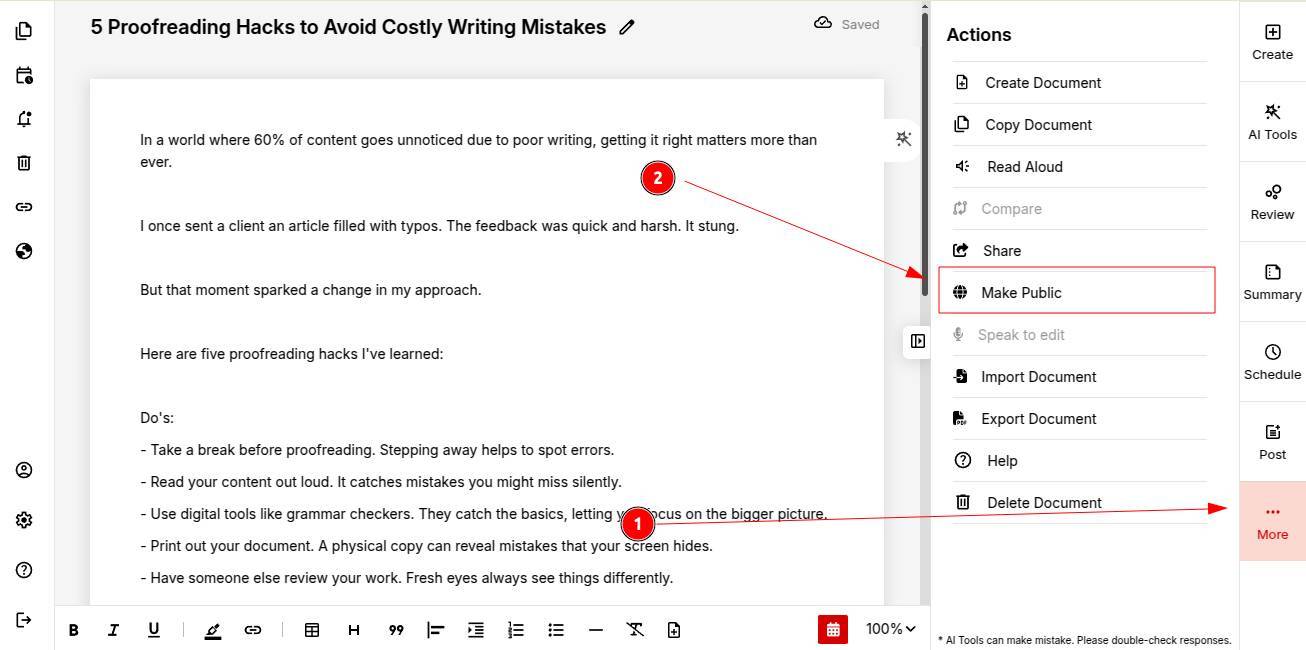
ContentCraft will automatically create your public author profile.
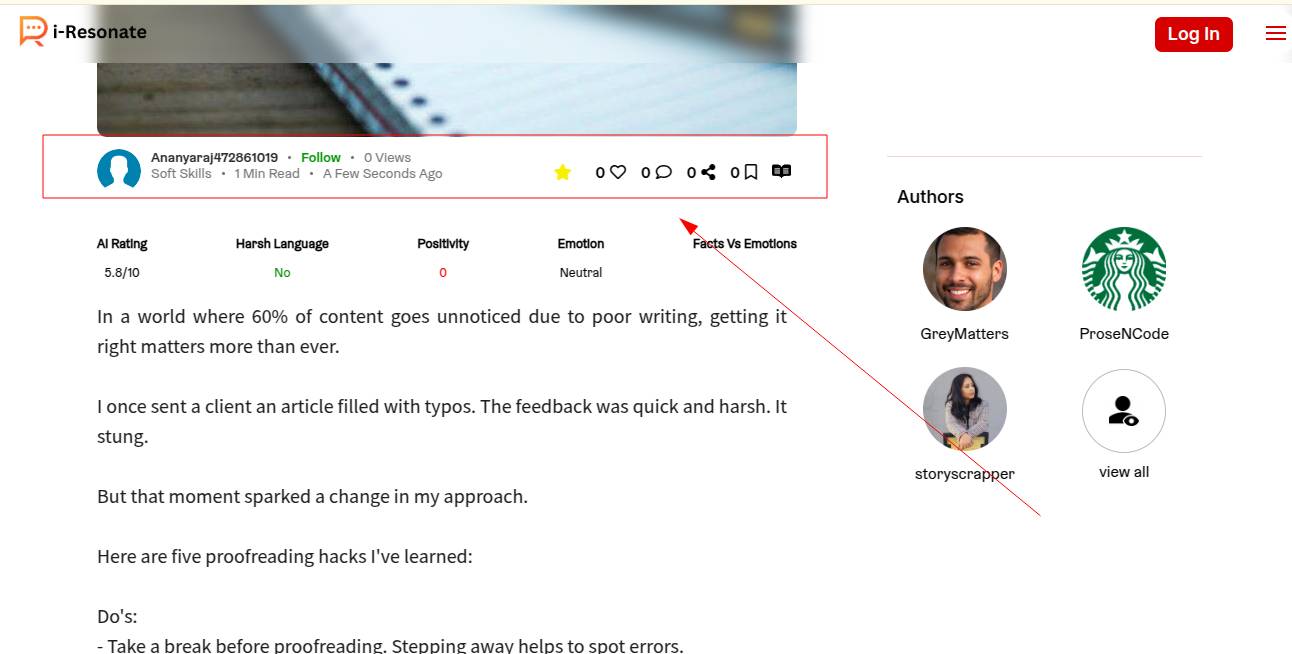
Once your profile is created, every public post will appear under your author page.
You can explore to understand what are "content pillars" in ContentCraft.