ProofLex
Open Appi-Resonate Help Center
ProofLex Help
Document Creation
Proofreading
Doc Insights
Team Management / WorkFlows
Microsoft Word Plugin
Microsoft Outlook Plugin
ContentCraft Help
MindWrite Help
Generate a full document from a Title in ProofLex
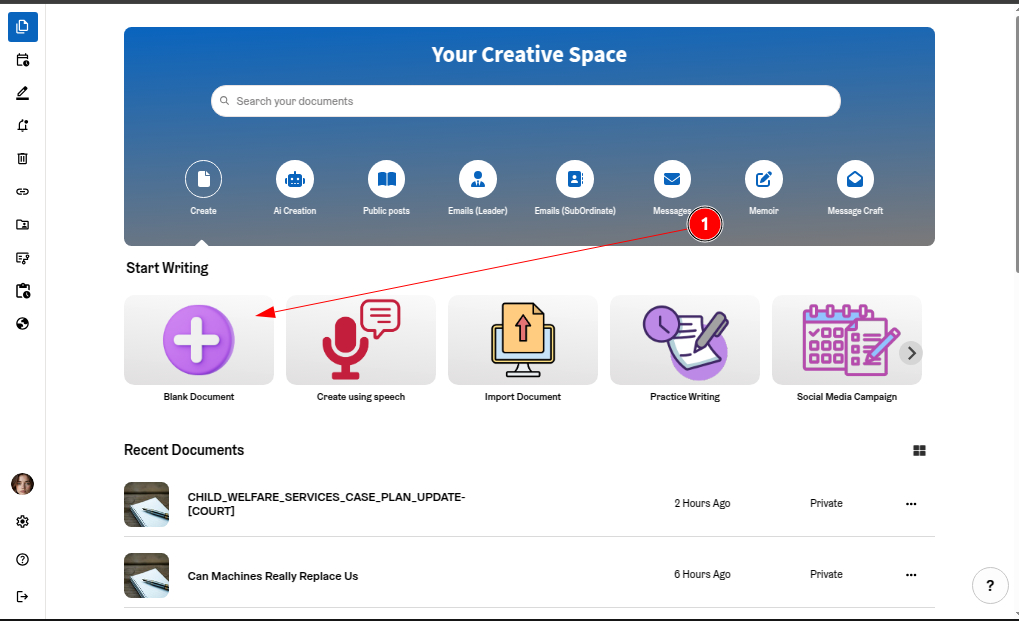
Step 1: On the ProofLex dashboard, click “Blank Document.”
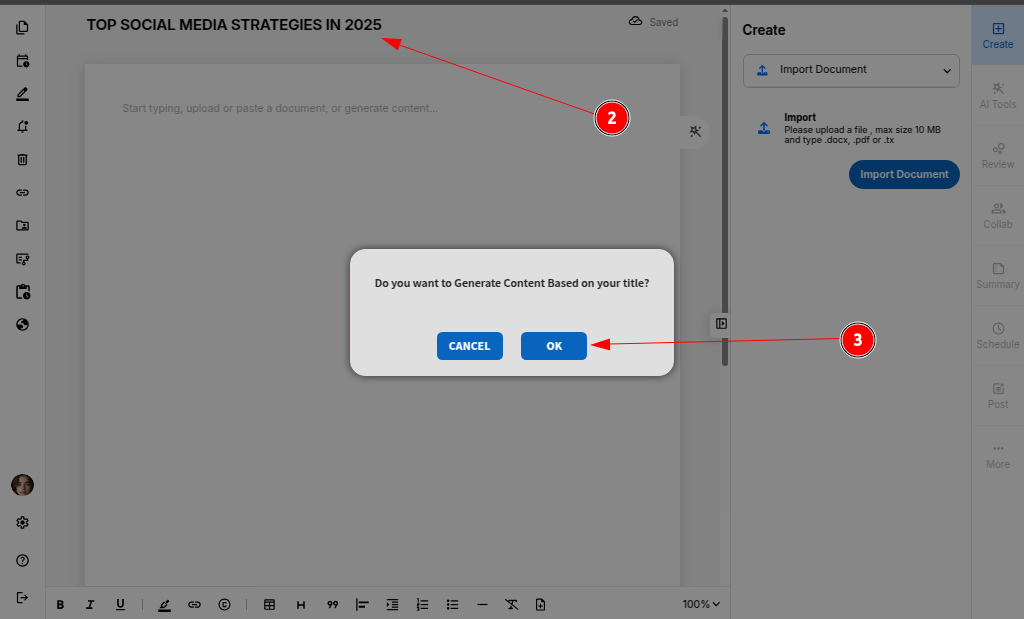
Step 2: Enter the title or topic you’d like to generate content for in the input field. And press "ENTER" now.
Step 3: Click “OK” to confirm and initiate content creation.
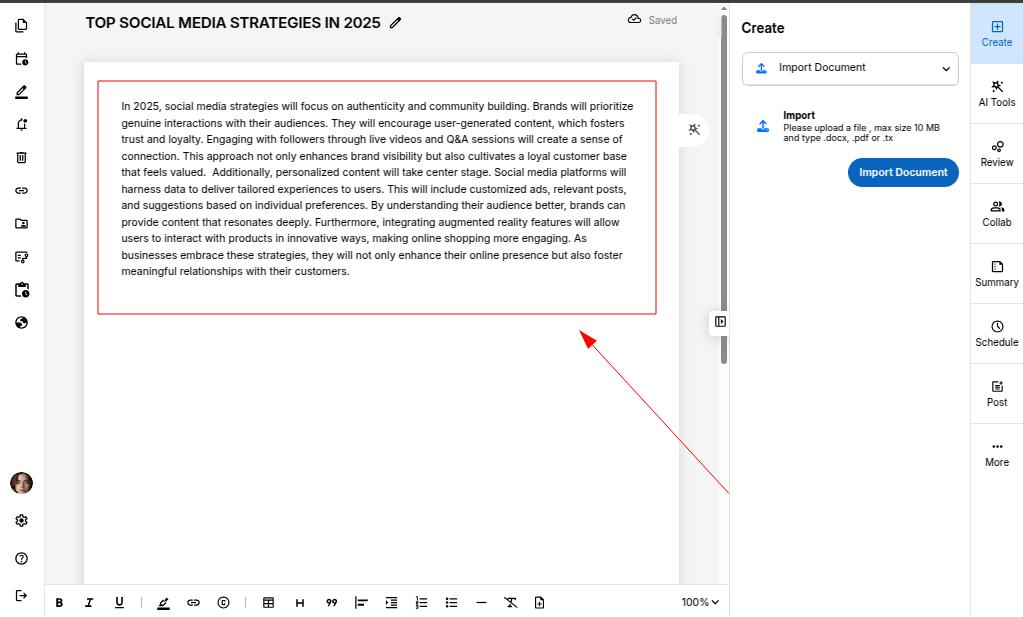
ProofLex will automatically generate high-quality content based on your title within seconds.